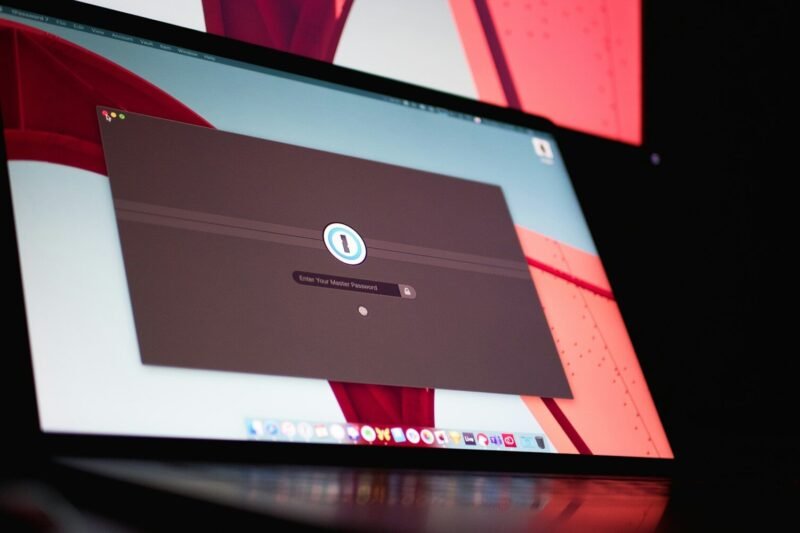
Discover how the best password manager for Mac can simplify your digital life by securely storing your login details, generating strong passwords, and offering seamless access across your Apple devices, while helping you stay protected against online threats with advanced security features and integration tailored for macOS.
Password Managers for Windows Users
In this article, you’ll discover how using the best password manager for Windows can help you efficiently organize your login credentials, improve your online security against growing threats, and simplify daily access to your favorite sites and apps, all while taking advantage of Windows-specific features like biometric authentication for added convenience and peace of mind.
How Password Managers Help Prevent Credential Stuffing
In this article, you’ll learn how password managers prevent credential stuffing by helping you generate, store, and use strong, unique passwords for every account—significantly reducing the risk that stolen credentials from one breach can compromise multiple online services.
Why Password Managers Are Better Than Memorizing Passwords
Discover how a password manager simplifies your online security by securely storing all your unique passwords in one place, reducing the risks associated with memorizing passwords and helping you avoid common pitfalls like password reuse and weak combinations—learn why using a password manager is a safer and more practical alternative in today’s digital world.
Top Security Features to Look for in a Password Manager
Discover which password manager security features matter most—such as end-to-end encryption, zero-knowledge architecture, and multi-factor authentication—so you can confidently protect your online accounts and keep your sensitive information secure.
How to Choose the Right Password Manager
Discover how to choose a password manager that fits your needs, as this article guides you through the essential features to consider—like strong security standards, cross-device compatibility, and user-friendly design—so you can confidently protect your online accounts and simplify password management.
The Difference Between Free and Paid Password Managers
In this article, you’ll discover the key differences between free vs paid password managers, including which features you can expect at no cost and what additional security tools are offered with paid subscriptions—helping you decide which option best suits your online security needs.
Password Managers and Zero-Knowledge Encryption
Discover how password manager zero-knowledge encryption solutions work together to protect your sensitive data, reduce password reuse risks, and ensure only you have access to your credentials—all while making secure password management effortless and more convenient.
How Password Managers Protect Against Phishing
By reading this article, you’ll discover how password managers defend against phishing by securely storing your credentials and only autofilling them on authentic websites, helping to minimize the risk of falling for deceptive online scams and strengthening your overall digital security.
Why Password Managers Are Essential for Remote Work
Discover how a password manager for remote work can help you securely organize complex credentials, protect sensitive data, and streamline access to digital tools—giving you practical strategies to strengthen your security posture while working from anywhere.
