By exploring how a password manager for personal security works, you’ll discover practical ways to protect your online accounts through strong, unique passwords and reduce your risk of cyber threats—all while saving time and simplifying your digital life.
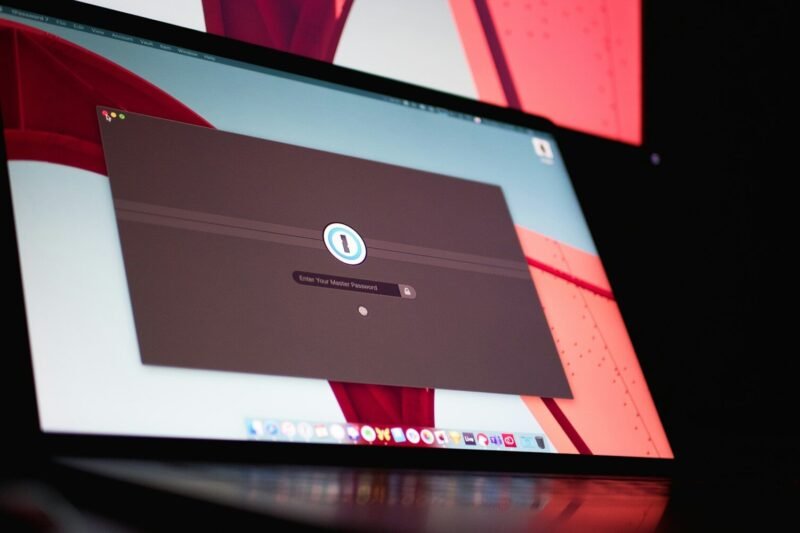
password manager
How Password Managers Work With Two-Factor Authentication
Discover how a password manager with two-factor authentication can strengthen your online security by combining encrypted password storage with an extra layer of verification—this article explains how the two systems work together, what to expect when enabling 2FA, and practical steps you can take to maximize the protection of your personal accounts.
Password Managers With Secure File Storage
Discover how a password manager with secure file storage can simplify your digital life by safeguarding both your passwords and sensitive documents in one encrypted place. This article covers the essential benefits of combining strong password management with encrypted file storage, explaining how features like end-to-end encryption, organized access, and secure sharing protect your most critical information from cyber threats while keeping everything easily accessible across all your devices.
Password Managers With Built-In Security Monitoring
Discover how a password manager with security monitoring can help you safeguard your digital accounts—not only by generating and storing strong, unique passwords, but also by alerting you to data breaches, scanning the dark web for compromised credentials, and monitoring your accounts for vulnerabilities—so you can stay a step ahead of evolving online threats.
Why Password Managers Are Better Than Memorizing Passwords
Discover how a password manager simplifies your online security by securely storing all your unique passwords in one place, reducing the risks associated with memorizing passwords and helping you avoid common pitfalls like password reuse and weak combinations—learn why using a password manager is a safer and more practical alternative in today’s digital world.
Top Security Features to Look for in a Password Manager
Discover which password manager security features matter most—such as end-to-end encryption, zero-knowledge architecture, and multi-factor authentication—so you can confidently protect your online accounts and keep your sensitive information secure.
Password Managers and Zero-Knowledge Encryption
Discover how password manager zero-knowledge encryption solutions work together to protect your sensitive data, reduce password reuse risks, and ensure only you have access to your credentials—all while making secure password management effortless and more convenient.
Password Managers and Multi-Factor Authentication
Discover how password manager and multi-factor authentication security can help you protect your online accounts from unauthorized access by learning how to create and store strong, unique passwords, automate secure logins, and add an extra layer of protection against cyber threats—all with proven, practical tools that simplify your daily digital routine.
Why IT Security Experts Recommend Password Managers
Discover why IT security experts recommend password managers: you’ll learn how these tools help create and store strong, unique passwords for every account, reducing the risk of unauthorized access and streamlining your online security habits without relying on memory or risky password reuse.
What Is a Password Manager and Why You Need One
Discover what a password manager is and how it can transform your approach to online security—learn how these tools securely store and organize your passwords, generate strong credentials, and help protect your accounts from breaches, making it easier to maintain unique logins across all your devices.
